Short, focused and free – watch on the bus, in the shop or the night before load-in. Six rigging and cabling walkthroughs, plus the eleven-part .dynamics software series.
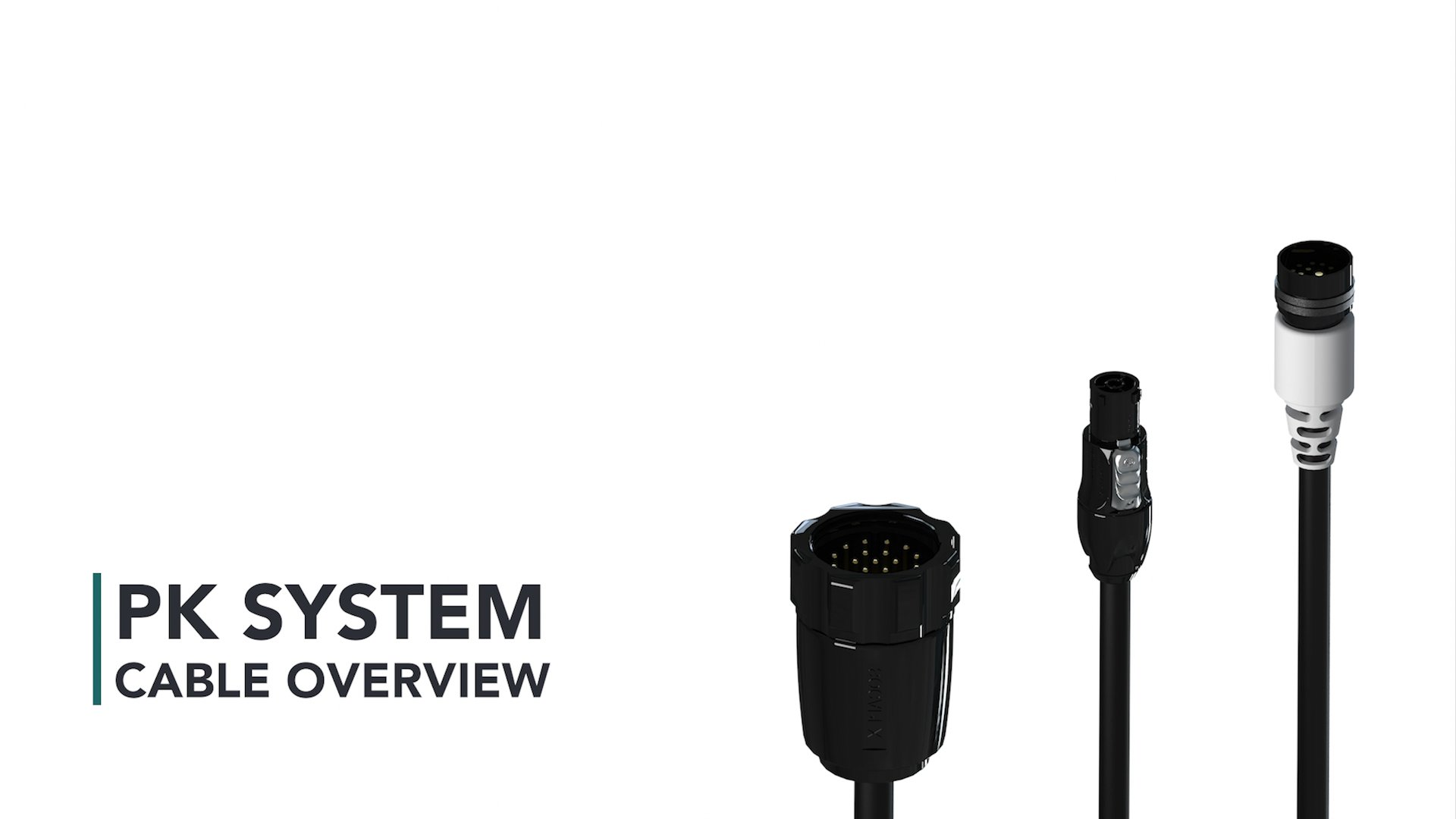
The connectors and cable types used across PK systems – multipin, powerCON True1, etherCON, XLR-3, and Socapex – and what each one carries.
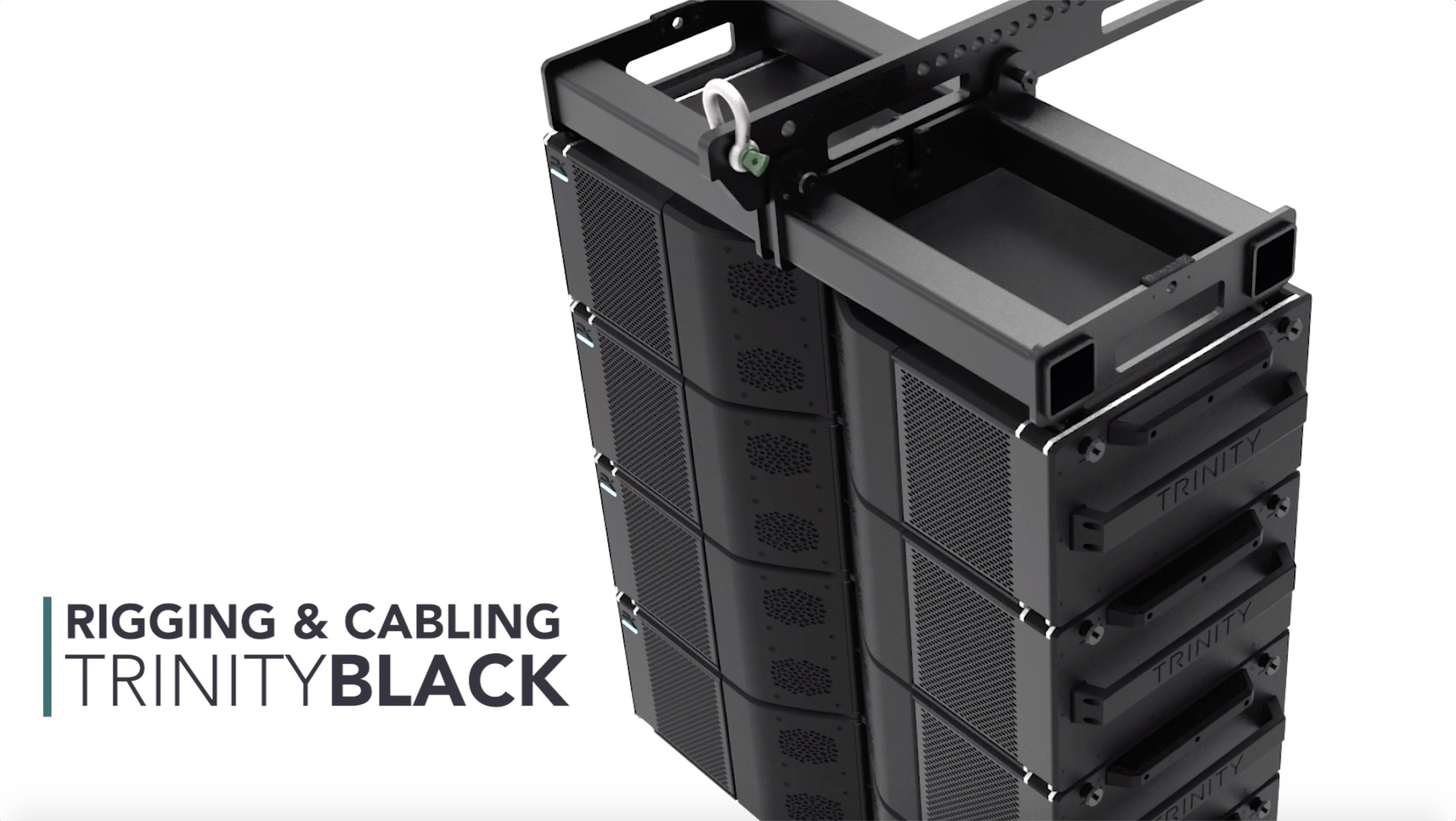
Flying a Trinity Black array: suspension frame, rigging pins and the power, signal and data connections between modules.
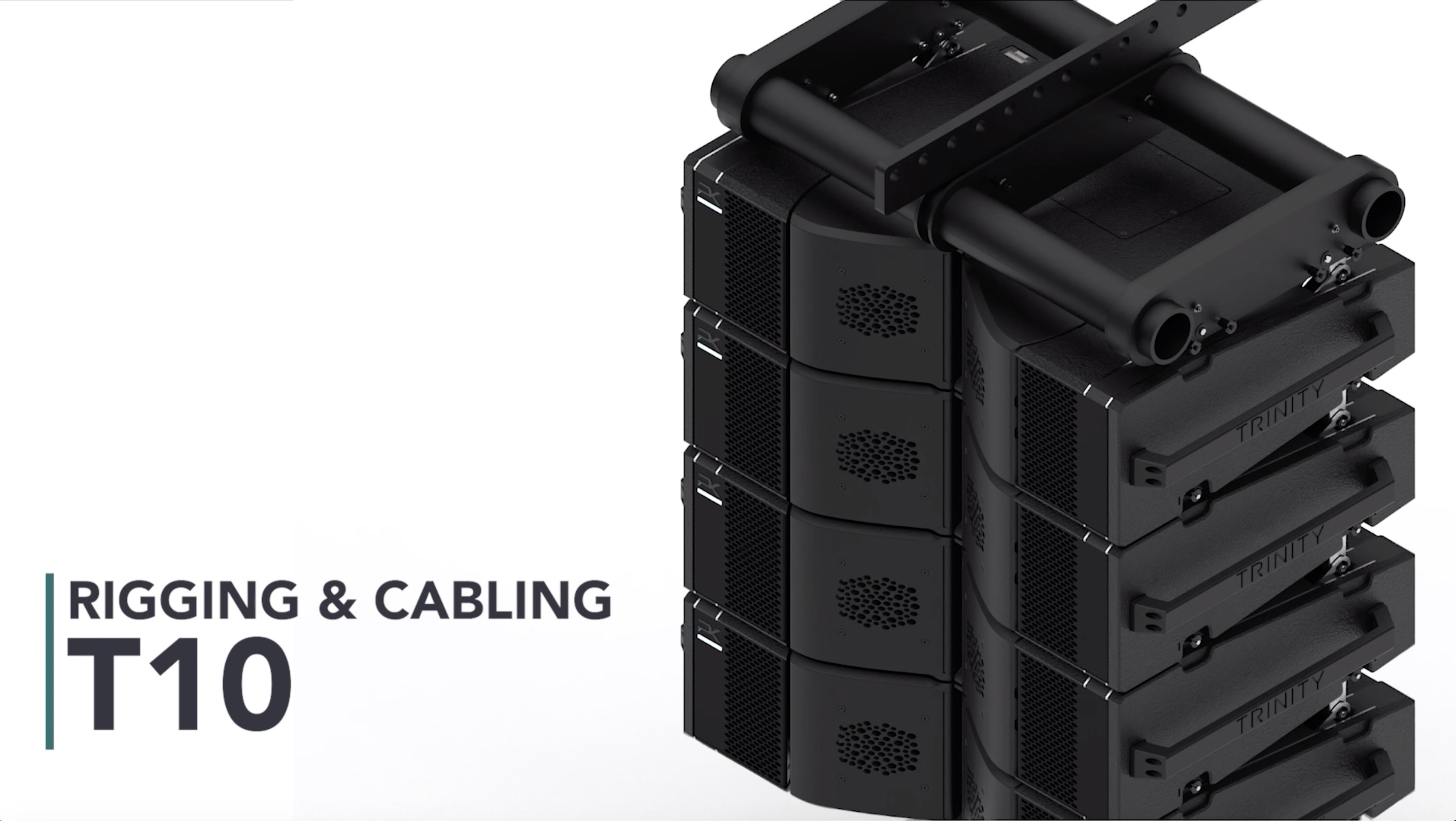
The T10 suspension frame and rigging workflow, with the cabling sequence for power, audio, and network.
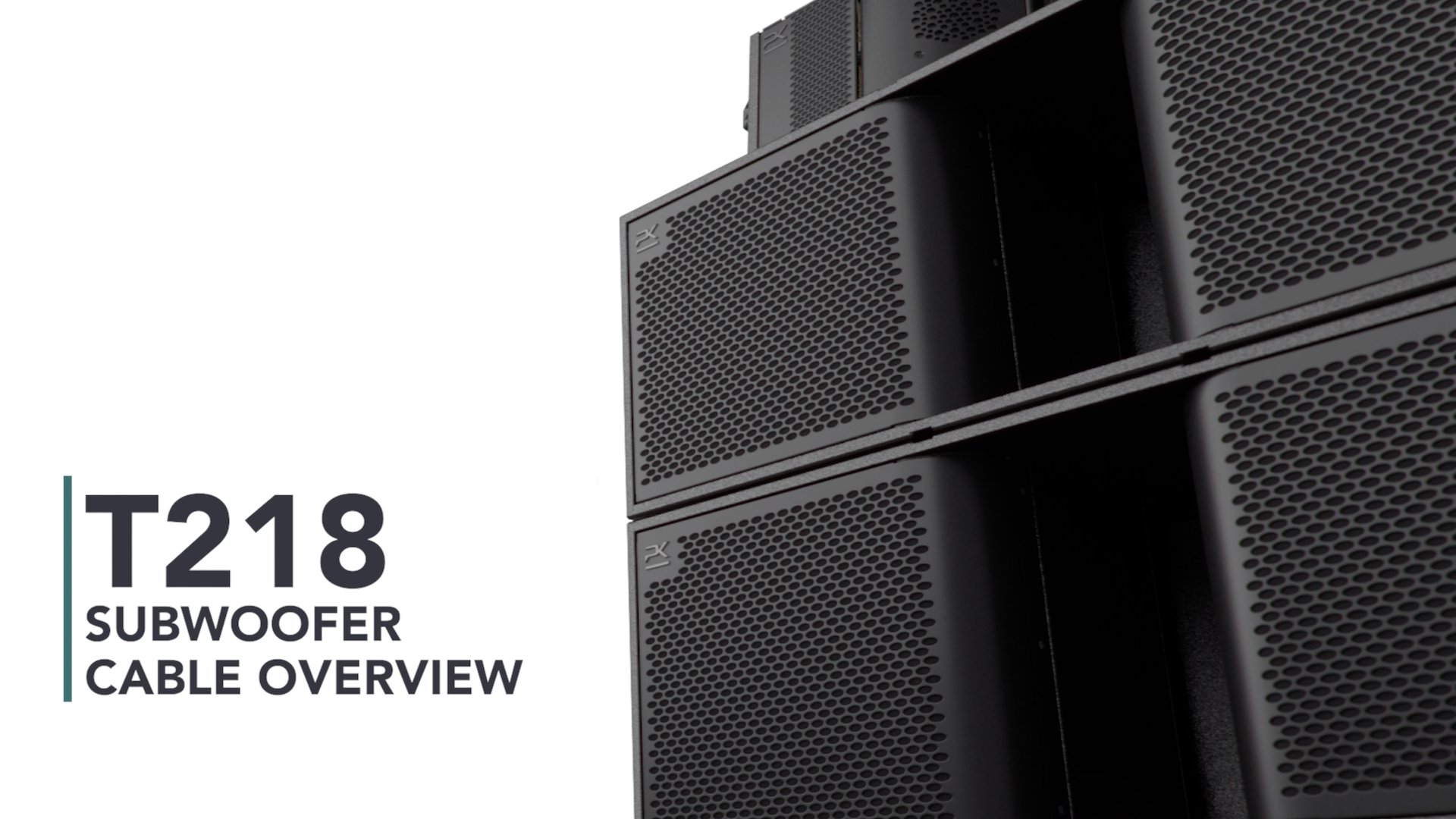
How the T218 is cabled – power, signal, and data connection – and how subwoofers play into the wider system.
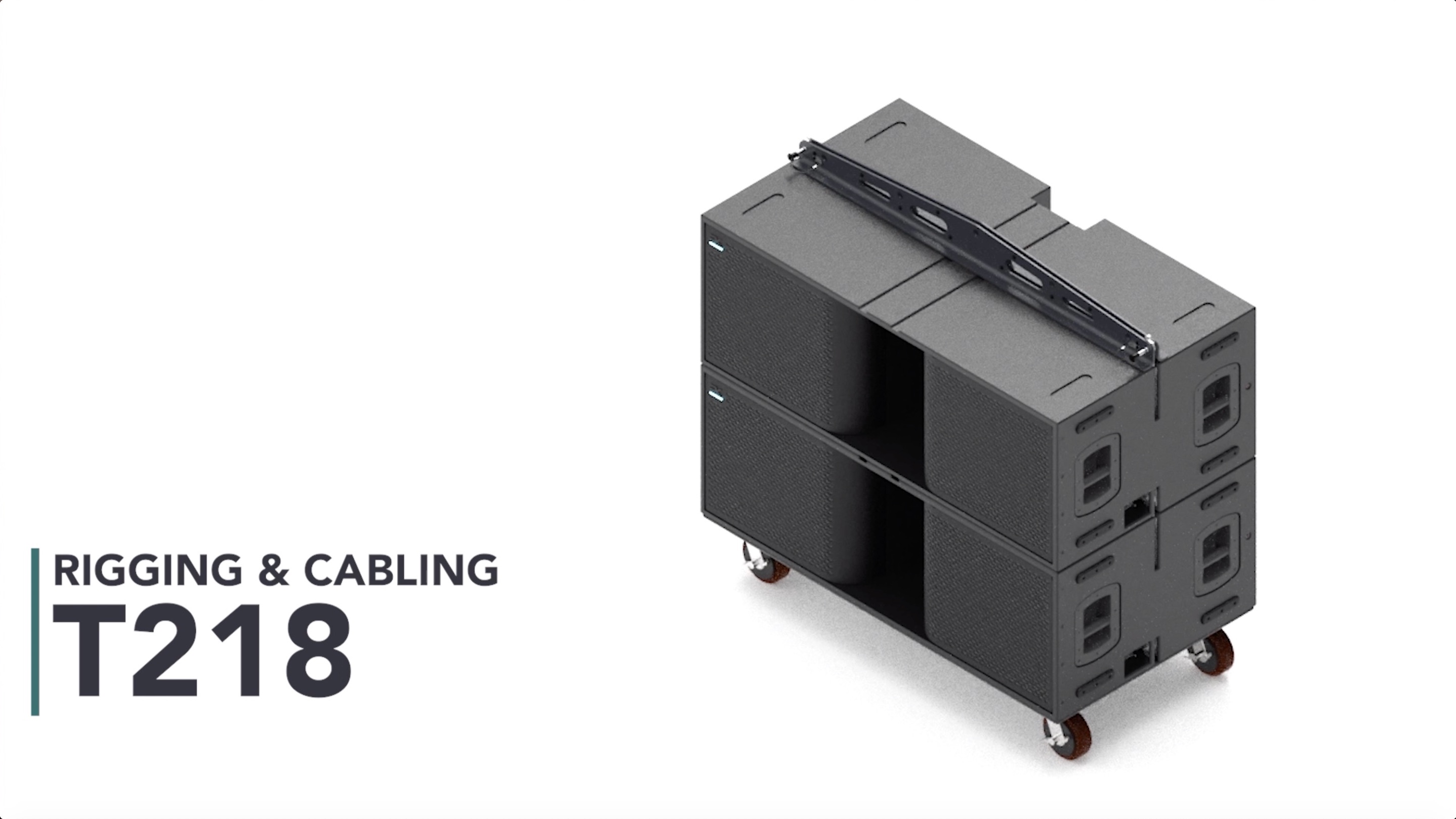
Rigging the T218 subwoofer: frames, caster boards, flown and ground-stacked configurations, and the cabling that goes with them.
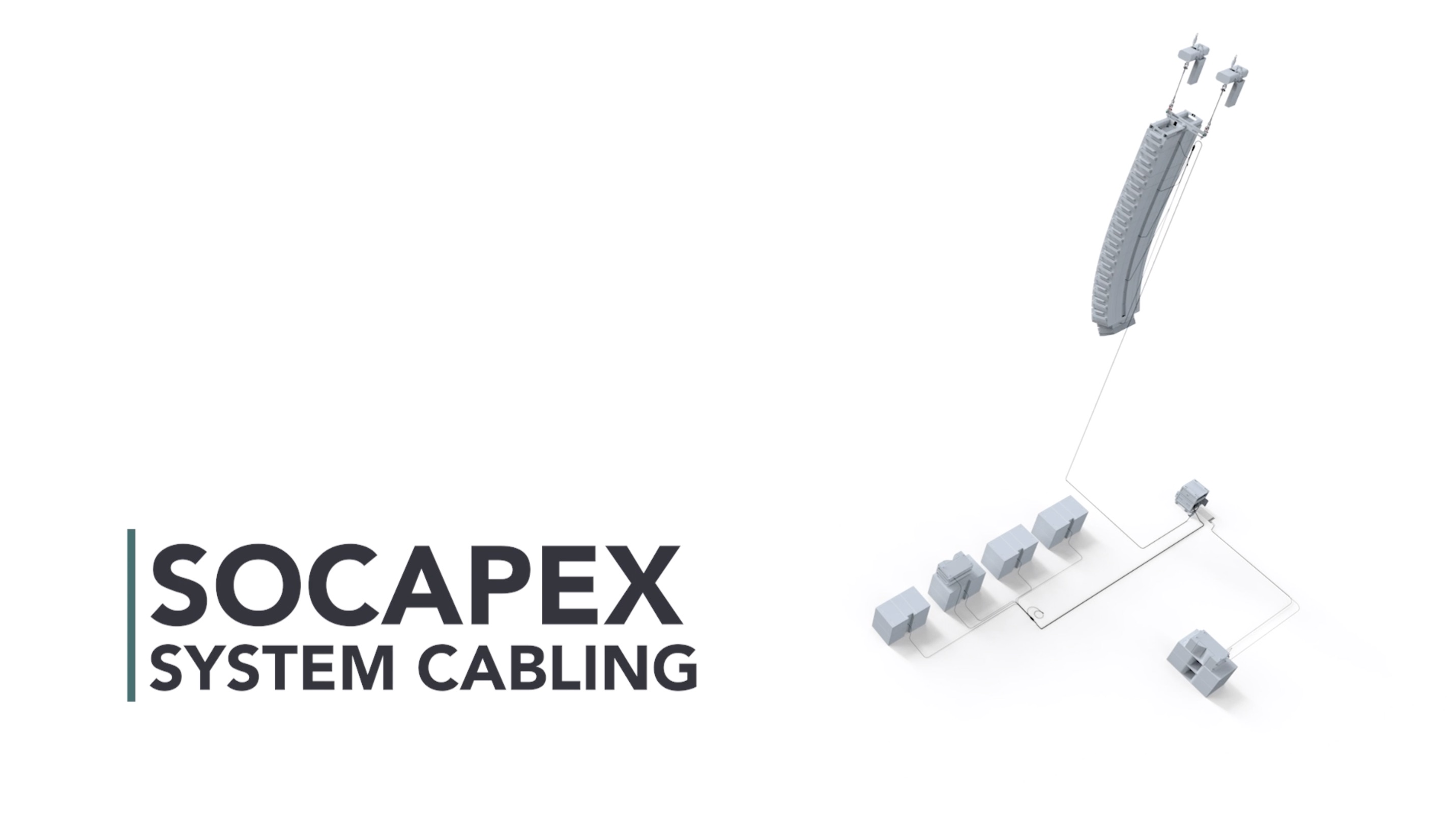
Multi-circuit power distribution with Socapex – home runs, fan-outs, and how circuits map to modules.
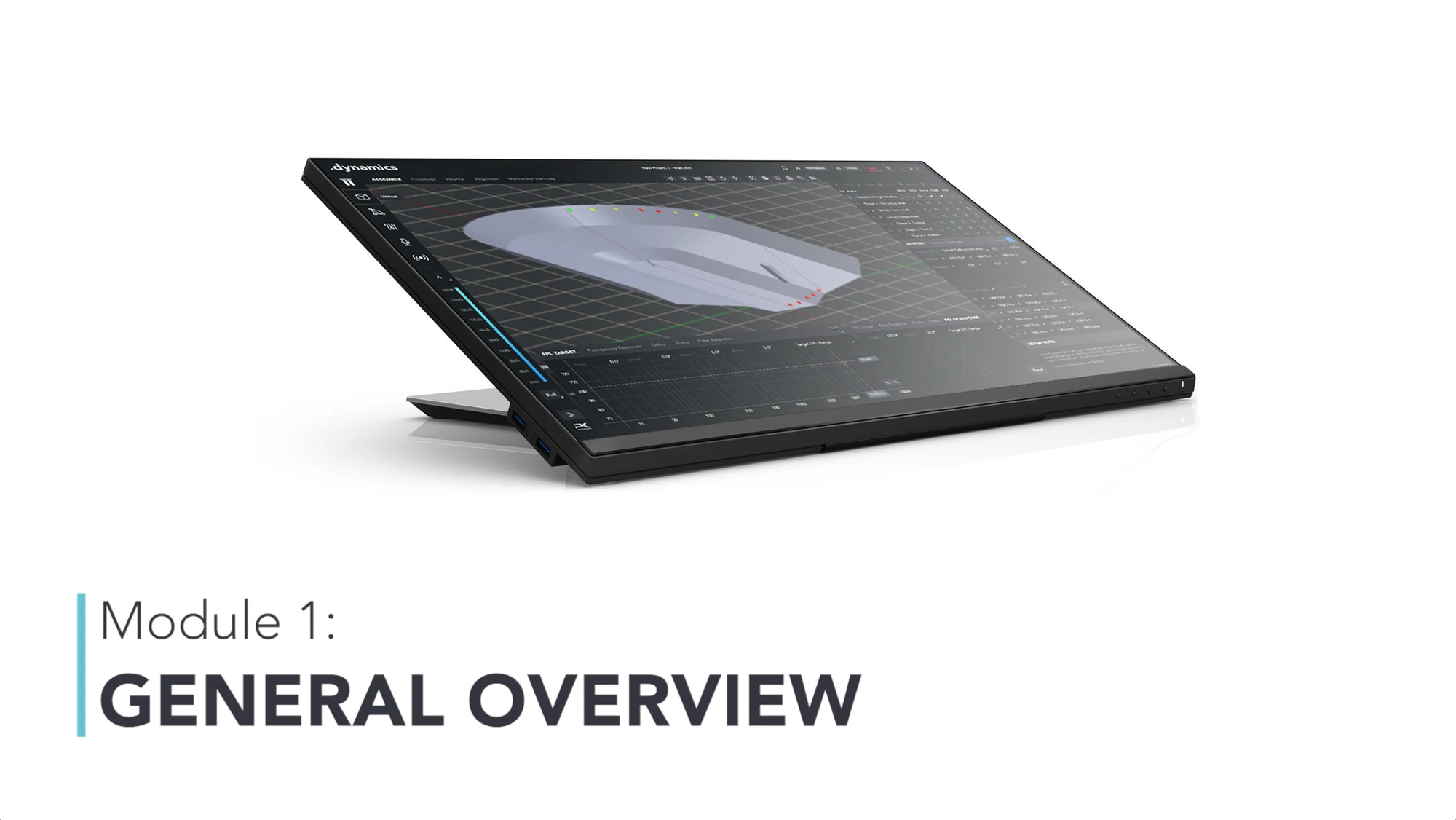
The whole .dynamics environment end-to-end: how prediction, system design, robotic control and live operation fit into one workflow.
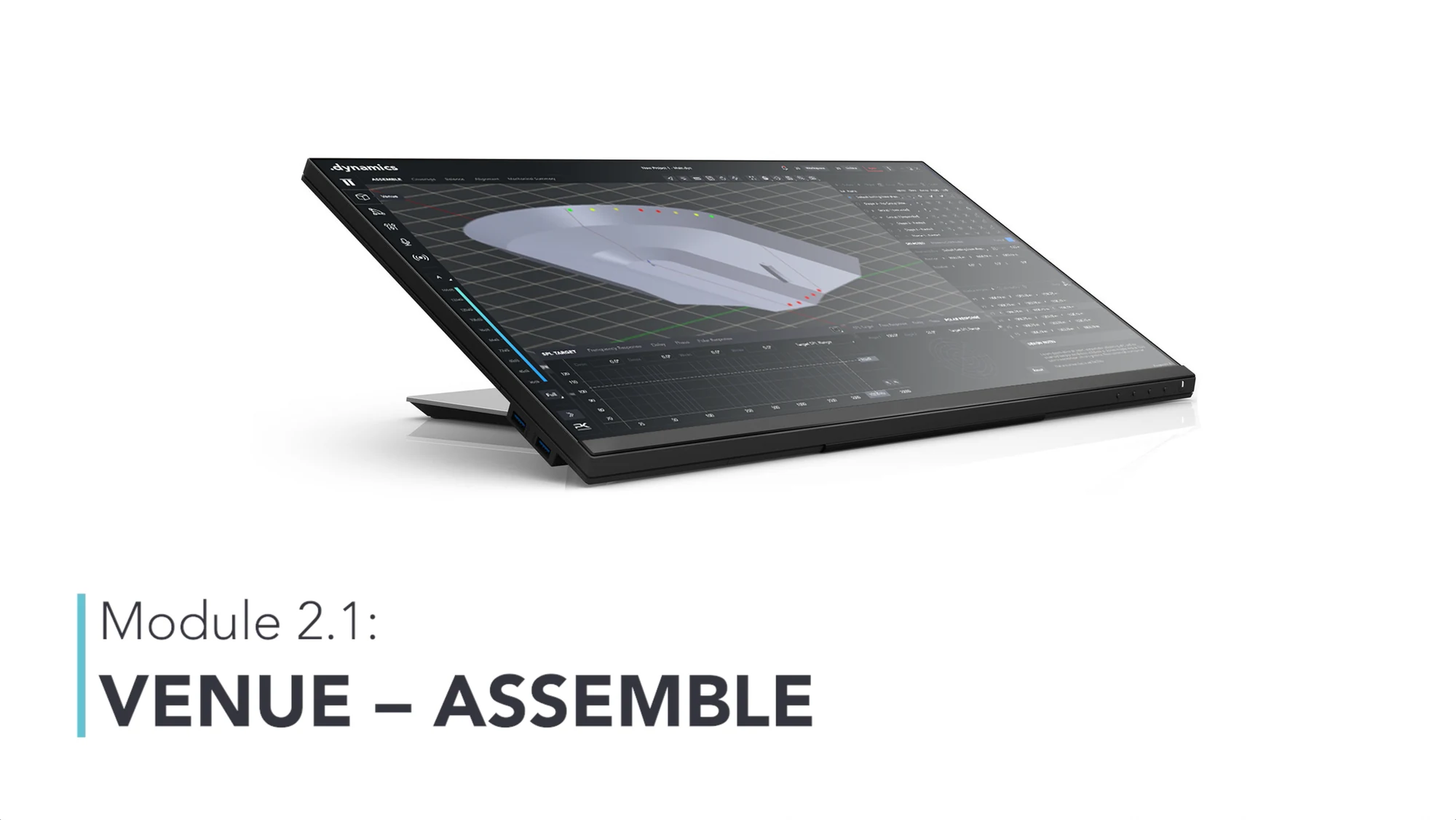
Building the venue model – rooms, surfaces and audience planes – and placing the system in it.
Shaping coverage onto the audience: horizontal and vertical directivity, and reading what the prediction is telling you.
Balancing level across the coverage area so the last row and the rail hear the same show.
Time and phase alignment between mains, fills, delays and subs.
The mechanical output of the design: angles, trims and loads, ready to hand to the crew on the floor.
The System view – inventory, signal routing and how the software maps to the rig in front of you.
Driving the robotics: setting and changing vertical and horizontal coverage on modules while the array is flown.
Tuning the system – EQ, gain and processing across groups and zones.
Live operation: what you can safely change during a show, and how the system responds.
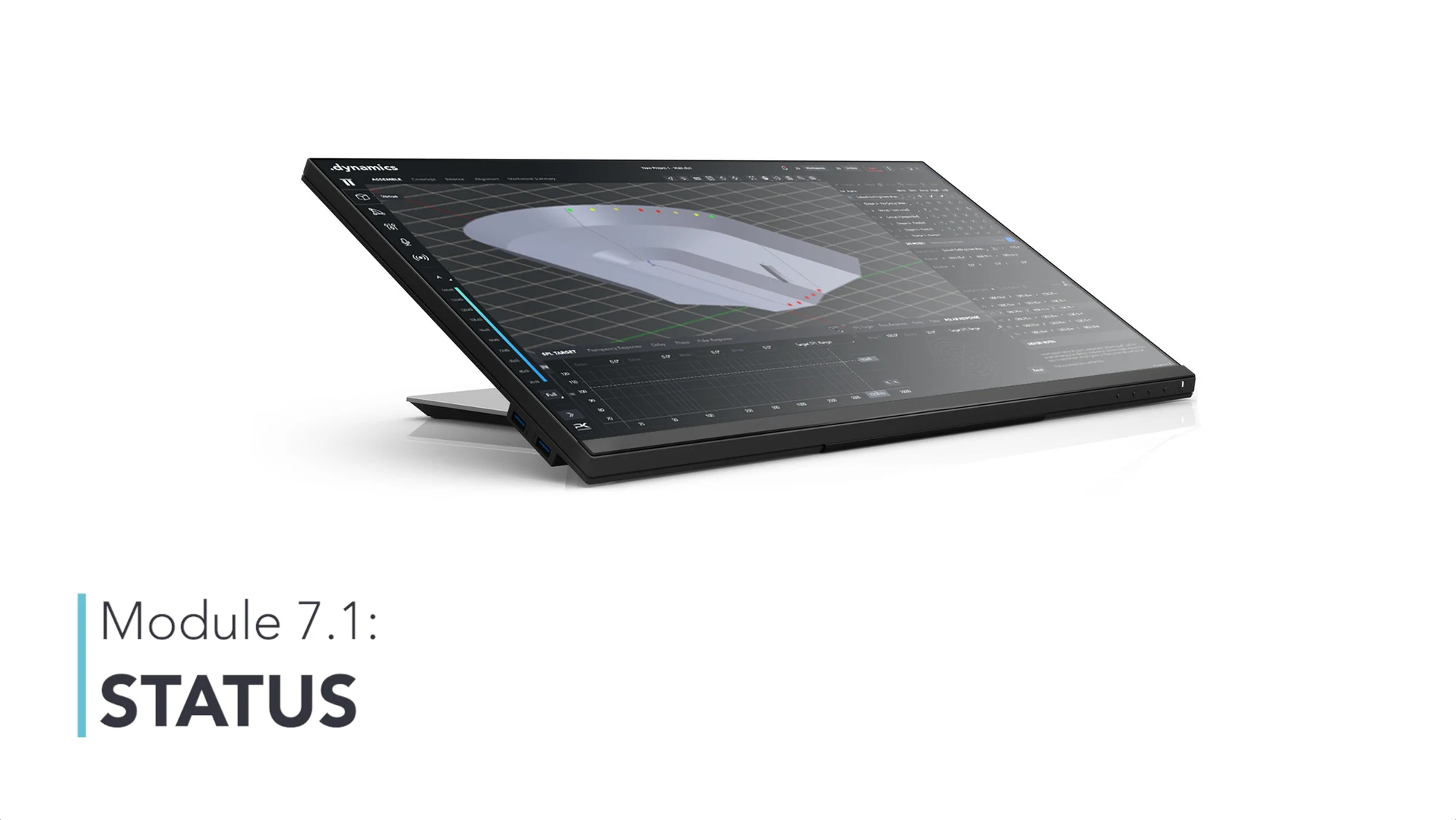
Monitoring the rig – device status, faults and the checks that tell you the system is healthy.
The library grows as new products and software releases land, and webinar recordings are added here, too. Join a live session in the meantime – every webinar is recorded for this library.